
Test Your Aim in Apple Shooting
Overview
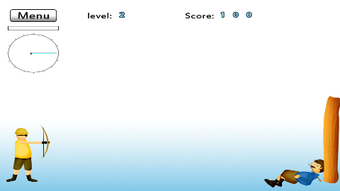
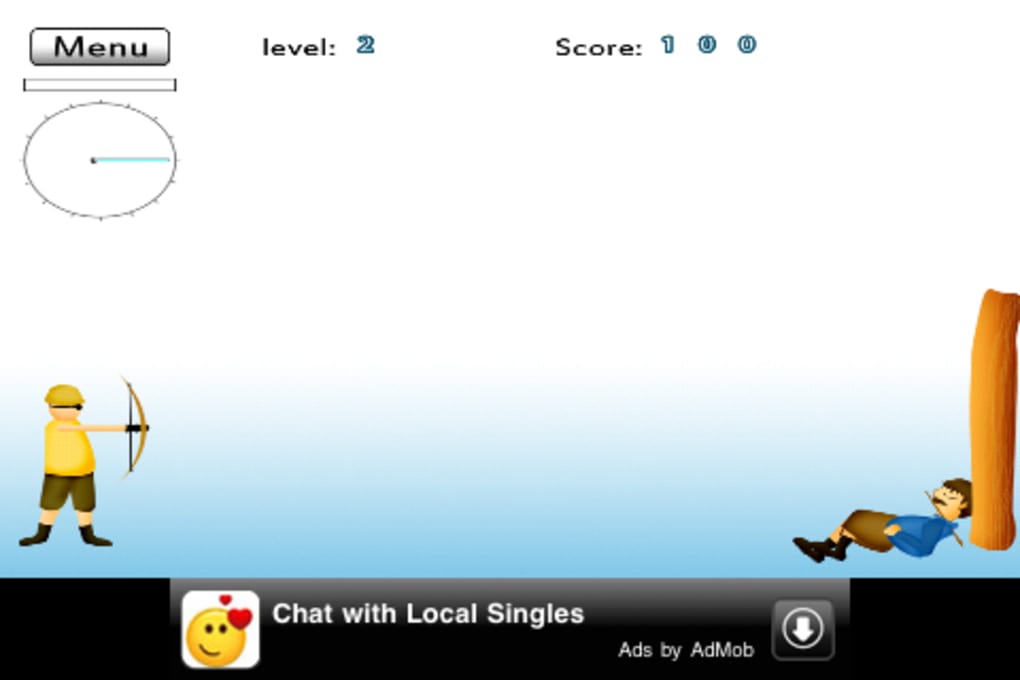
Apple Shooting is a mobile arcade game designed for iOS devices, including iPhone, iPad, and iPod Touch. The game centers around a simple yet engaging premise: players take on the role of an archer tasked with shooting apples off a man’s head. With each successful shot, players progress to the next level, unlocking new challenges and visual feedback such as the man dancing after a successful hit. The game’s core purpose is to provide a lighthearted, fast-paced test of aim and precision, appealing to casual gamers and younger audiences alike. Its non-violent nature and straightforward gameplay make it suitable for children and families seeking safe, screen-based entertainment.
Target users include mobile gamers who enjoy quick, reflex-based challenges and parents looking for age-appropriate games for younger children. The game’s minimalistic graphics and intuitive touch controls contribute to a low barrier to entry, allowing players to start immediately without extensive tutorials. Real-world usage scenarios include short gaming sessions during breaks, travel, or downtime. While the game offers a fun initial experience, its repetitive structure across levels may limit long-term replay value. The developer did not provide additional details about the development team or background.
Key Features & Capabilities
- Touch-Based Archery Controls: Players use finger movements to adjust the bow and arrow’s position, simulating draw strength by moving the finger away from the shooter. This mechanic offers a tactile way to control shot power and direction.
- Progressive Level Design: Levels increase in difficulty as players advance, introducing new challenges such as moving targets or tighter shot windows. The game promises escalating complexity to maintain engagement.
- Visual Feedback and Animation: Successful shots trigger celebratory animations, such as the man dancing, enhancing player satisfaction and providing immediate positive reinforcement.
- Simple, Non-Violent Gameplay: The game avoids graphic or aggressive content, making it safe for younger players. The focus is on precision rather than combat or destruction.
- Minimalist Visual Style: The game uses basic graphics that are intentionally simple, contributing to smooth performance and low system resource usage.
These features support quick, intuitive gameplay ideal for short sessions. The touch-based mechanics allow for immediate interaction, while the visual feedback helps players understand their performance. The game’s design encourages trial and error over formal instruction, relying on player experimentation to master mechanics. This approach suits casual audiences who prefer learning by doing rather than reading manuals.
User Interface, Workflow & Performance
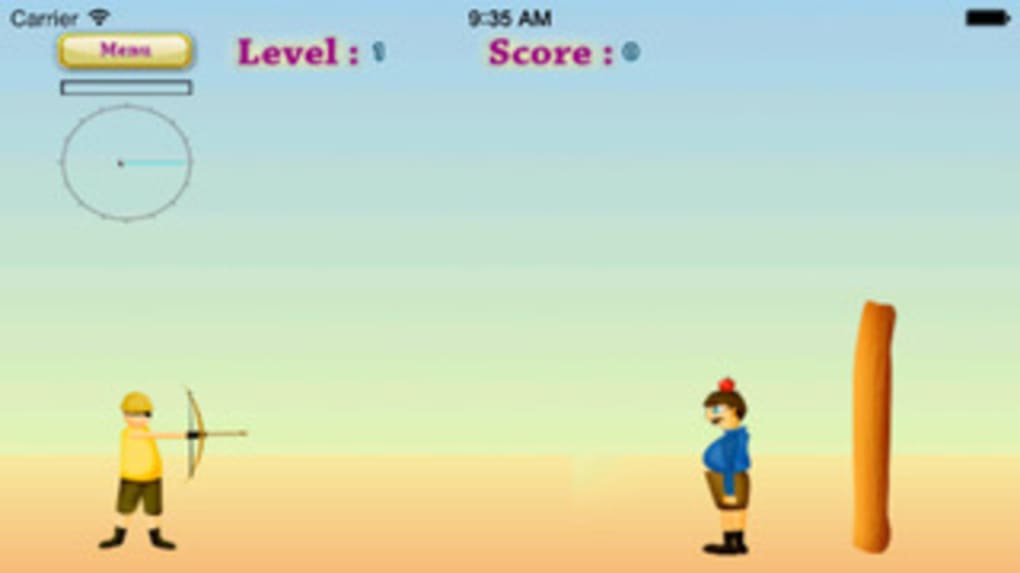
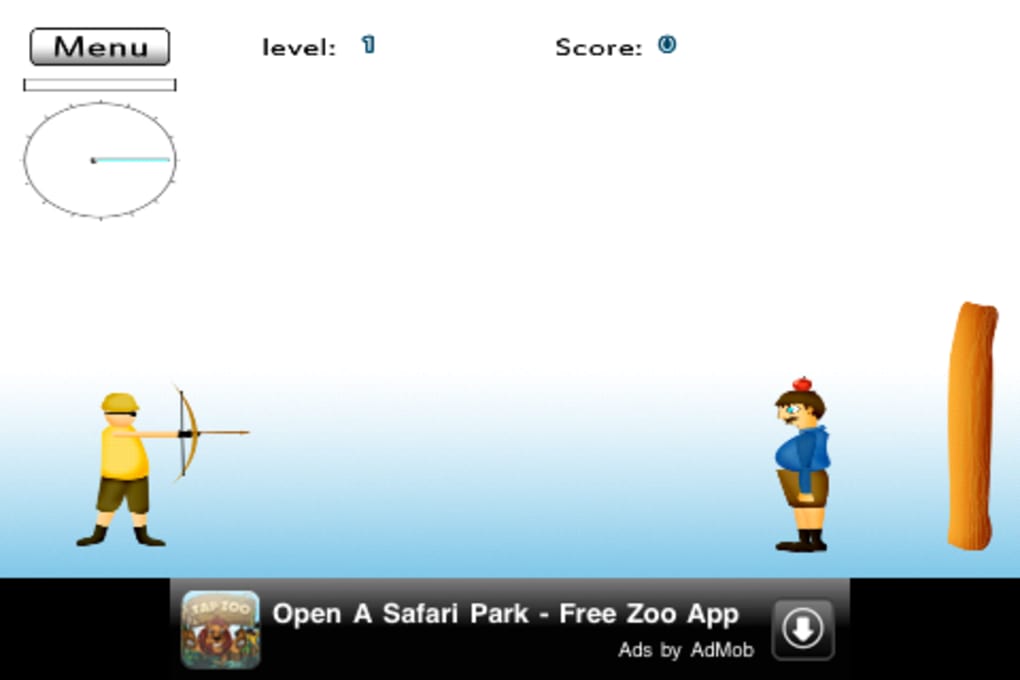
The user interface of Apple Shooting is clean and minimal, focusing on the core gameplay area. The screen displays the archer, the target apple, and the man’s head, with no cluttered menus or unnecessary elements. Navigation is entirely touch-driven, requiring only finger movement to aim and adjust shot power. The workflow is streamlined: players move their finger to position the bow, release to shoot, and wait for the result before proceeding to the next level.
Performance observations are based on general software behavior patterns. The game runs smoothly on iOS devices, thanks to its lightweight design and minimal graphics. The developer did not specify resource usage details, but the 15.2 MB file size suggests low system demands. Stability appears consistent during short play sessions, though long-term performance under repeated use was not evaluated. CPU and RAM behavior are not documented, but the game’s simplicity implies efficient resource management.
Compatibility & System Requirements
Apple Shooting is designed exclusively for iOS devices, including iPhone, iPad, and iPod Touch. The game is compatible with the latest versions of iOS, though specific version requirements were not listed. The installation size is 15.2 MB, indicating a lightweight footprint that fits easily on most mobile devices. The developer did not provide additional system requirements, such as minimum processor speed, RAM, or storage space.
Exact system requirements were not listed. Compatibility information was partially provided. Users should ensure their device is running a supported iOS version. No additional hardware specifications were mentioned, so general iOS compatibility is assumed based on the app’s release date and platform focus.
Pros and Cons
Pros
- Simple, intuitive touch controls ideal for casual players and children.
- Non-violent, family-friendly content suitable for younger audiences.
- Lightweight file size (15.2 MB) ensures easy installation and minimal storage use.
- Quick gameplay sessions perfect for short breaks or travel.
- Visual feedback enhances player engagement and satisfaction.
Cons
- Repetitive level design may reduce long-term replay value.
- Limited depth in gameplay mechanics beyond basic aiming.
- Instructions are minimal and not particularly helpful for new players.
- Lack of advanced features or customization options.
- Performance and stability under extended use were not documented.
FAQ Section
Is Apple Shooting available for free?
Yes, Apple Shooting is available at no cost. The game is free to download and play on supported iOS devices.
What devices support Apple Shooting?
Apple Shooting is compatible with iPhone, iPad, and iPod Touch devices running iOS. Specific version requirements were not provided.
Is the game safe for children to play?
Yes, the game is non-violent and designed with a lighthearted tone. It features no aggressive content, making it suitable for younger players.
Does Apple Shooting require an internet connection?
The game functions entirely offline. No internet connection is needed to play, making it accessible in areas with limited connectivity.
How often are updates released for Apple Shooting?
Information about update frequency was not provided. Users should check their device’s app store for the latest version.
Final Thoughts + CTA
Apple Shooting delivers a quick, accessible arcade experience centered on testing aim and precision. Its simple mechanics, family-friendly design, and lightweight performance make it a solid choice for casual gamers and younger users seeking short bursts of entertainment. While the game lacks depth and long-term replayability due to repetitive level design, it excels in delivering immediate fun with minimal setup. The touch-based controls are intuitive, and the visual feedback adds charm to each successful shot. For those looking for a no-frills, safe, and easy-to-play mobile game, Apple Shooting offers a satisfying experience—especially for a few minutes of downtime.
Download Apple Shooting now







